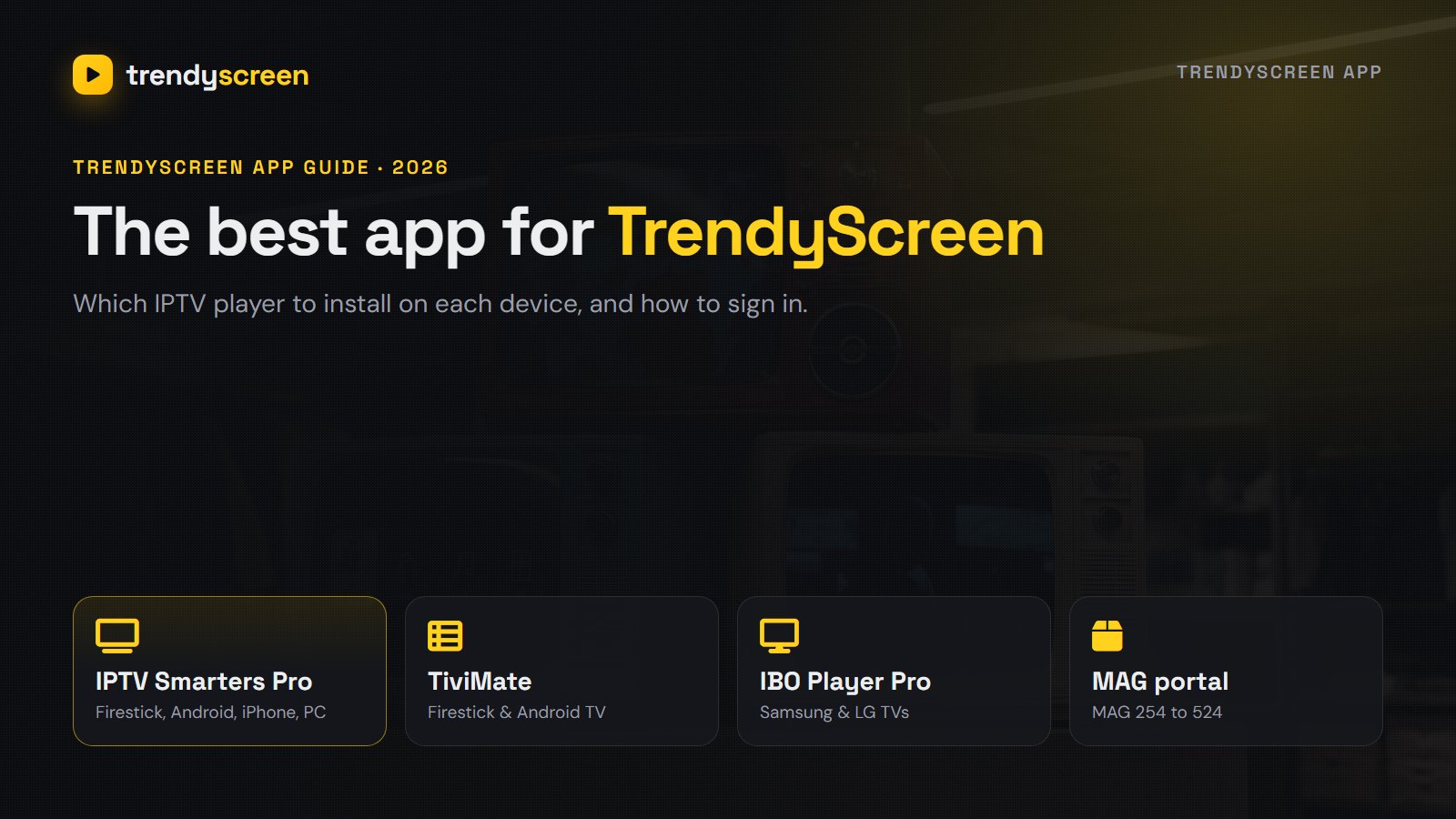
People search for the TrendyScreen app expecting a single download, but TrendyScreen works the way most IPTV services do: the subscription gives you a login, and you watch it in a player app that suits your device. That is good news, because it means TrendyScreen runs on almost anything with a screen. This guide shows which app to install on each device, how to sign in with your TrendyScreen login, and which app to switch to if the first one does not suit you.
Good to know
- This guide is for TrendyScreen plans ordered at trendyscreen.live. If you paid on another website, its login format and support channel can be different, so contact the seller you paid.
Quick takeaways
- TrendyScreen is the subscription; you watch it in an IPTV player app.
- IPTV Smarters Pro works on nearly every device and is the easiest place to start.
- TiviMate has the best TV guide on Firestick and Android TV.
- IBO Player Pro is the simplest choice on Samsung and LG Smart TVs.
- Sign in with Xtream Codes: server URL (with http:// and the port), username and password.
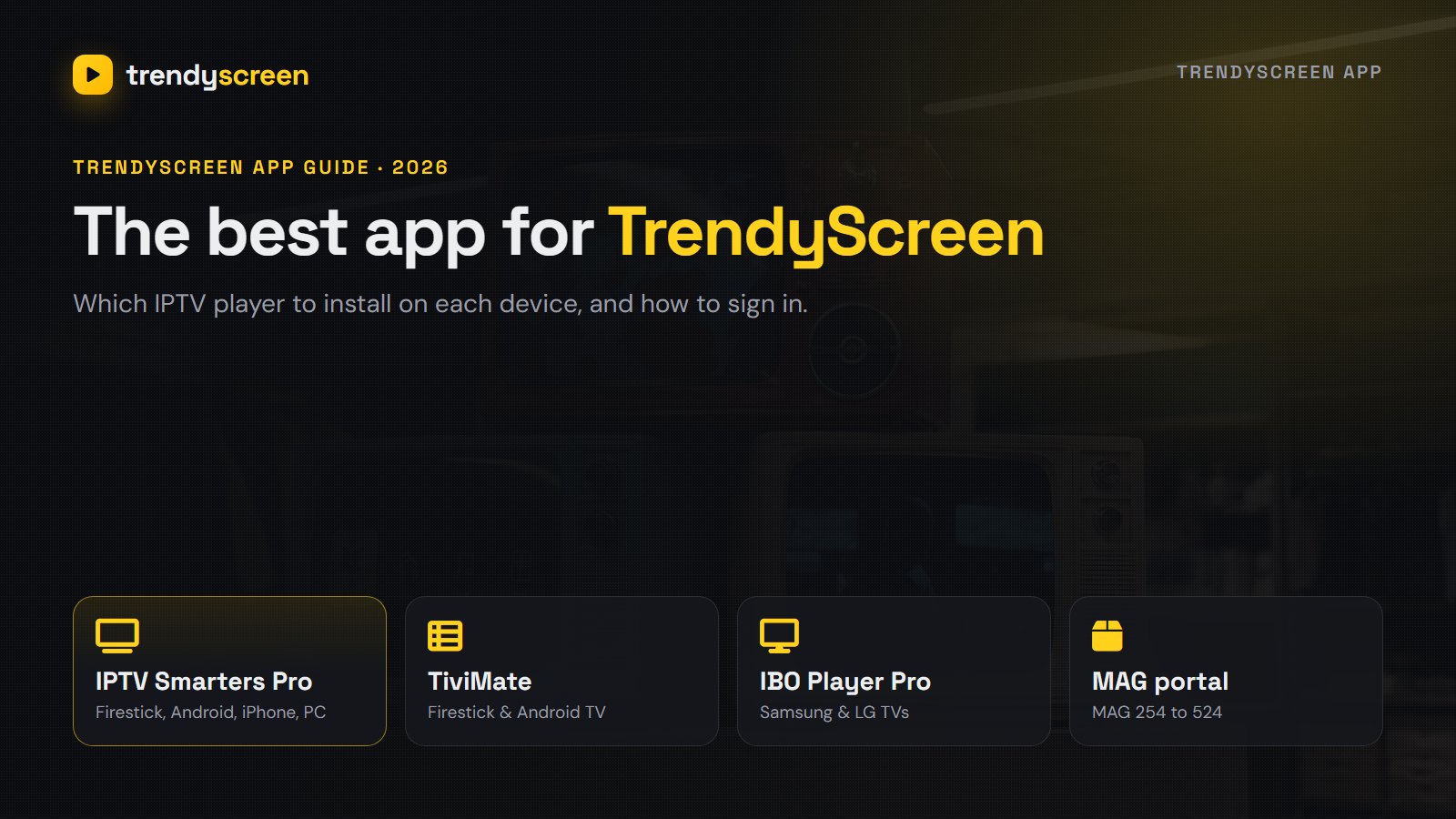
Which TrendyScreen app to use on each device
| Device | Recommended app | Also works |
|---|---|---|
| Amazon Firestick and Fire TV | IPTV Smarters Pro | TiviMate, IBO Player Pro |
| Android TV and Google TV | TiviMate | IPTV Smarters Pro |
| Samsung Smart TV | IBO Player Pro | IPTV Smarters (on supported models) |
| LG Smart TV | IBO Player Pro | Other players in the LG Content Store |
| iPhone, iPad and Apple TV | IPTV Smarters / Smarters Player Lite | Ask support for the current best iOS player |
| Android phone and tablet | IPTV Smarters Pro | Any Xtream Codes player |
| Windows and Mac | IPTV Smarters Pro (desktop) | VLC with the M3U link |
| MAG box | Built-in portal | Portal URL from support |
If you are not sure, start with IPTV Smarters Pro. It is free, it shows live TV, films and series in one place, and support knows it inside out. You can always add a second app later with the same login.
IPTV Smarters Pro: the all-rounder
IPTV Smarters Pro runs on Firestick, Android, iPhone, iPad and computers, so the whole house can use the same app. On a Firestick it is installed with the Downloader app from the official link support sends you; on Android it comes from Google Play. Live TV, the TV guide, films, series and catch-up each have their own tile on the home screen. Our IPTV Smarters Pro guide goes through the setup screen by screen.
TiviMate: the best TV guide
On a Firestick or an Android TV, TiviMate makes TrendyScreen look and feel like a cable box: a programme grid, fast channel switching and favourites that stay where you put them. The free version plays everything; TiviMate Premium adds catch-up, recording and multi-view. The TiviMate setup guide shows how to add your TrendyScreen playlist.
IBO Player Pro: easiest on Samsung and LG
Samsung and LG TVs do not run Android apps, so TiviMate is not an option there. Install IBO Player Pro from the TV’s own app store and open it: it shows a MAC address and a device key on screen. Send the MAC address to support on WhatsApp, and they link your TrendyScreen playlist to the TV. Close and reopen the app, and the channels load.
MAG box: no app, just a portal
MAG boxes (254, 322, 424, 524 and similar) do not use a player app. They connect to a portal URL instead. Send support the MAC address printed on the sticker under the box, and they reply with the portal address for your TrendyScreen line. On the box, open Settings → System settings → Servers → Portals, type the address into Portal 1, save, and restart. The channel list and the guide load on the next start.
Windows PC and Mac
On a computer you have two good options. IPTV Smarters Pro has a desktop version for Windows and Mac with the same Xtream Codes login and the same menus as on a TV. If you only want live channels quickly, VLC plays the M3U link from your activation message: open VLC, choose Media → Open Network Stream, paste the link and press Play. VLC has no TV guide, so most people use it for testing and Smarters for everyday watching.
Which app should you switch to if the first one fails?
If channels freeze, the guide stays empty or the app crashes on your device, try another player before anything else. The login works in all of them, so switching takes two minutes:
- Smarters freezes on a Firestick: try TiviMate, which is lighter on older sticks.
- IBO Player will not load on a Samsung: try IPTV Smarters from the Samsung store, or plug in a Firestick.
- Nothing works on an old Smart TV: a Fire TV Stick plugged into the TV is the cheapest fix, at around $30.
How to log in to the TrendyScreen app
Your activation message contains an Xtream Codes login (server URL, username and password) and an M3U link. Use Xtream Codes wherever you can: it is three short fields instead of one long link, and it brings the TV guide and the film library with it.
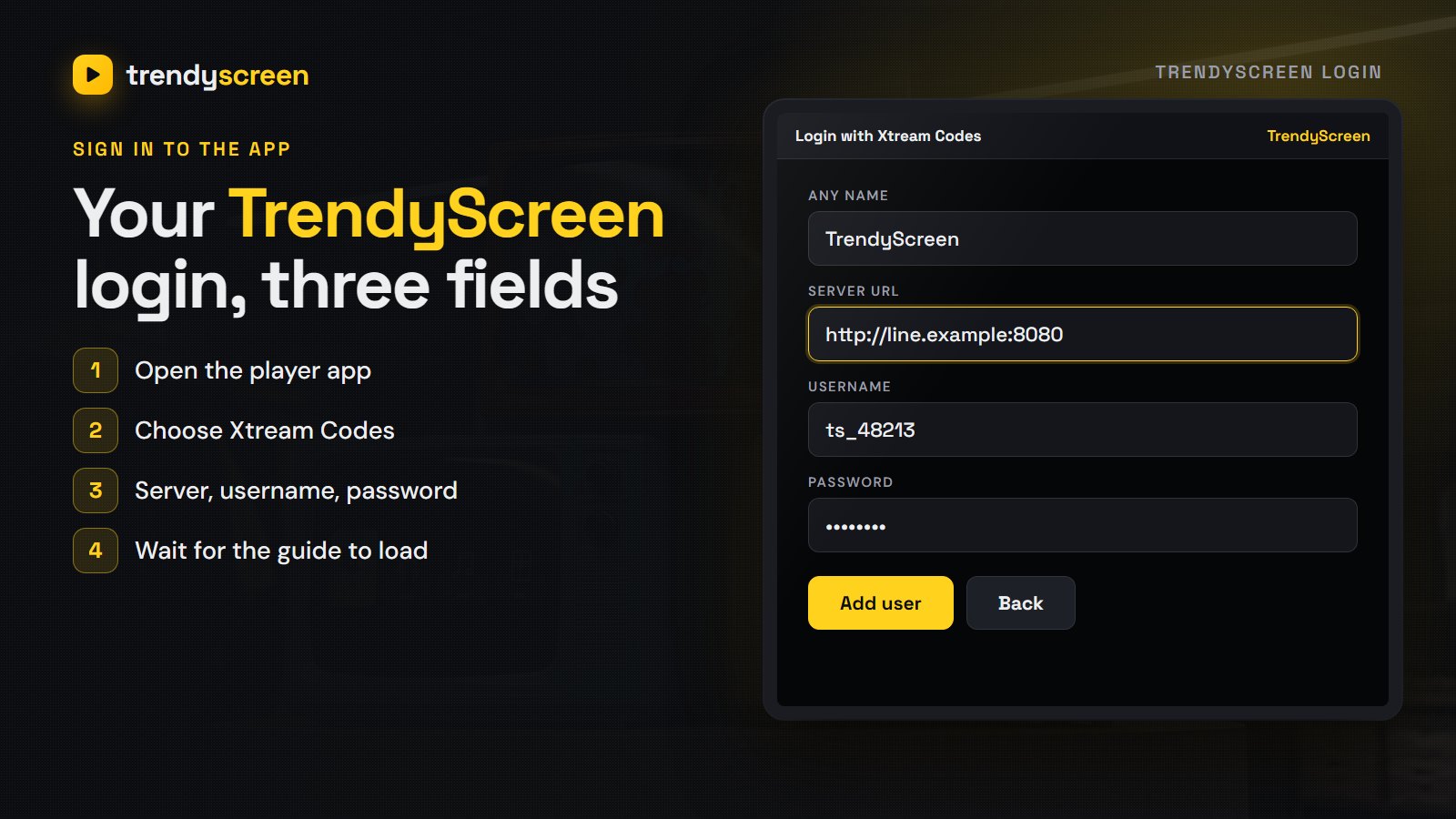
- Open the player app and choose Login with Xtream Codes (in TiviMate: Add playlist → Xtream Codes).
- Type any name, for example TrendyScreen.
- Enter the server URL exactly as sent, starting with http:// and ending with the :port number.
- Enter your username and password. Both are case-sensitive.
- Press Add user and wait a minute while the channels, the guide and the library load.
If the app says the login failed, compare each character with the message, check for a space at the end, and see TrendyScreen not working for the other causes.
Using more than one app
Your login is not tied to one app. Many households use TiviMate on the living-room TV, IBO Player on a Samsung in the bedroom and Smarters on a phone, all with the same TrendyScreen details. The only limit is how many screens play at the same time, which depends on the connections in your plan. Plans and connections are on the pricing page.
TrendyScreen app: FAQ
TrendyScreen is the subscription, and you watch it in an IPTV player app. The recommended ones are IPTV Smarters Pro on most devices, TiviMate on Firestick and Android TV, and IBO Player Pro on Samsung and LG TVs. Support sends the right download link for your device with your login.
IPTV Smarters Pro is the easiest place to start, because it runs on almost everything and shows live TV, films and series in one menu. On a Firestick or Android TV, TiviMate has the best TV guide. On a Samsung or LG TV, IBO Player Pro is usually the simplest.
Open the player, choose Login with Xtream Codes, and type the server URL, username and password from your TrendyScreen activation message. The server URL must include http:// and the port number. Press Add user and wait a minute for the channels and the guide to load.
In the activation message support sends after you order or start a trial, usually on WhatsApp. It includes an Xtream Codes login and an M3U link. If you lost it, ask support to send it again rather than ordering a new trial.
Yes. Install IBO Player Pro or IPTV Smarters from the Samsung app store, then send support the MAC address the app shows on screen. They link your TrendyScreen playlist to it, and the channels appear the next time you open the app.
Yes, install the app on both and sign in with the same details. Each screen that plays at the same time uses one connection, so check how many connections your plan includes before watching on both at once.
IPTV Smarters Pro and the free version of TiviMate cost nothing. IBO Player Pro and TiviMate Premium charge a small fee to their developers after a trial period. Your TrendyScreen plan is paid separately.
Pick the app for your device from the table, sign in with Xtream Codes, and you are watching TrendyScreen in a few minutes. If you are new, the free 24-hour trial lets you try the app and the channels on your own TV first, and the TrendyScreen home page has every plan.
Related reading
Local networks, NFL & NBA, Latino channels and fair pricing — what US viewers should demand.
How to install TiviMate IPTV Player on a Firestick or Android TV, add your TrendyScreen playlist…